





Game Systems
Travel > Vehicles
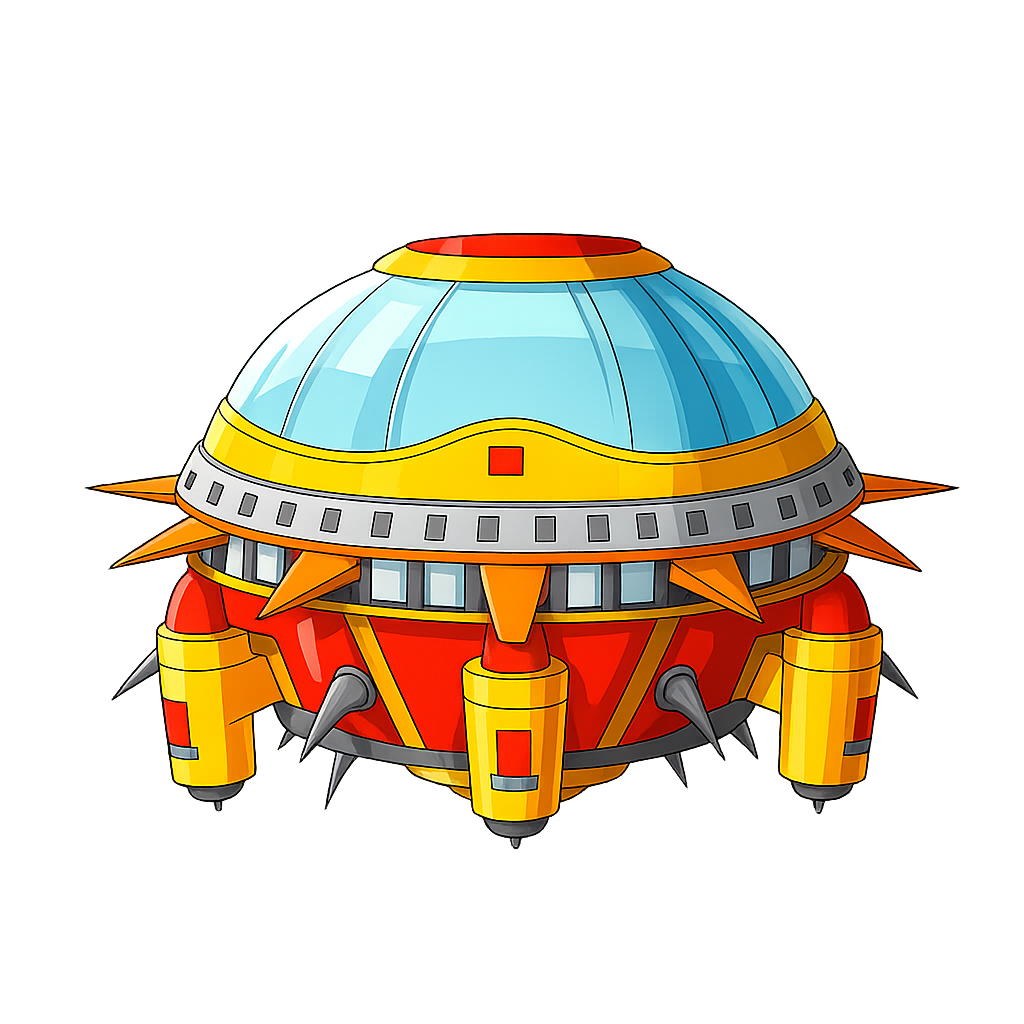
Vehicles are a personal means of transport: time-limited travel items purchased from a Vehicle shop that can be used for the period set on the item.
Vehicles have the following features:
- They are faster than a character's (adult) movement speed.
- Vehicles and fuel are only available as time-limited items.
- Vehicles obtained from quests are also time-limited items, usable for a set period just like shop items.
* The time limit starts counting down from the moment the item is used, and it keeps counting down while the character is logged out.
Purchasing
Vehicles and fuel can be purchased from Vehicle Merchants located in certain areas.
Where to buy Vehicles: Korin Village - Vehicle Merchant Hali, West City - Vehicle Merchant Torres
 Talk to a Vehicle Merchant NPC to see the Vehicles and fuel available for purchase and their prices.

 When you try to buy one, a message window appears confirming that it is a time-limited item.

 Click the [OK] button to complete the Vehicle purchase.

* Vehicles are time-limited items, so you cannot own duplicates of the same item; buying the same item again extends its usage period.
Riding
If you own a Vehicle item, you can summon and use it by right-clicking it in your inventory or by registering it to a Quick slot.
* A Vehicle will not run without Vehicle fuel.

<Using an owned Vehicle with a right-click>

<Summoning a Vehicle>

<The Vehicle can be used once fuel is equipped>
Controlling a Vehicle
- Vehicles are controlled with the W, A, S, D keys, the same as character movement.
- Moving the mouse while holding the right mouse button rotates only the camera, not the Vehicle, so you can look around.
- Pressing the jump key (Space bar) while moving performs the unique action set for each Vehicle item.
Getting off
- You can get off with the [Get Off] button on the Vehicle item UI.
- Pressing the ESC key while riding displays a message asking you to confirm getting off; click [OK] to get off.
Vehicle components
- A Vehicle consists of the body the character rides and the fuel needed to run it.
- Fuel comes in several types, and speed differs depending on the type.