






Game Systems
Travel > Namekian Signs
Namekian Signs download data on the surrounding terrain and update your World Map. Until the data is expanded, everything on the World Map except your starting area is hidden.
You can only see the hidden World Map information after receiving data from a Namekian Sign.
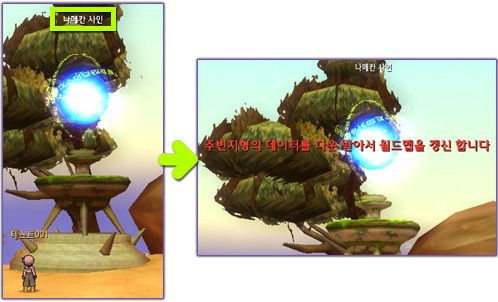
Click a Namekian Sign to download the terrain data stored in it and update the World Map for your current area.
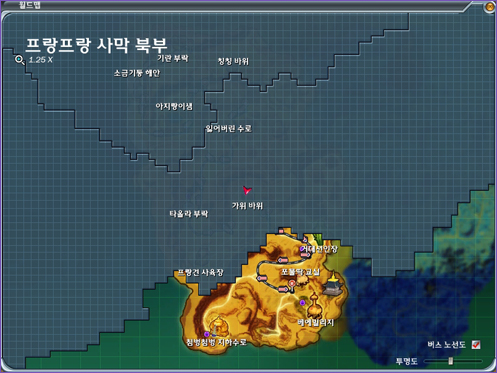
<Inactive area before registering the Namekian Sign>
If the World Map does not expand properly, open the World Map (M) again and you will see that a previously hidden area has been revealed.
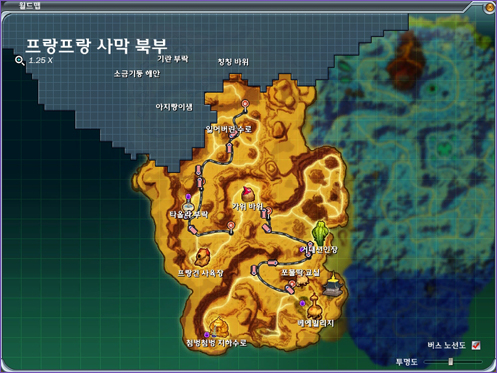
<Active area after registering the Namekian Sign>