





Game Systems
Party Matching
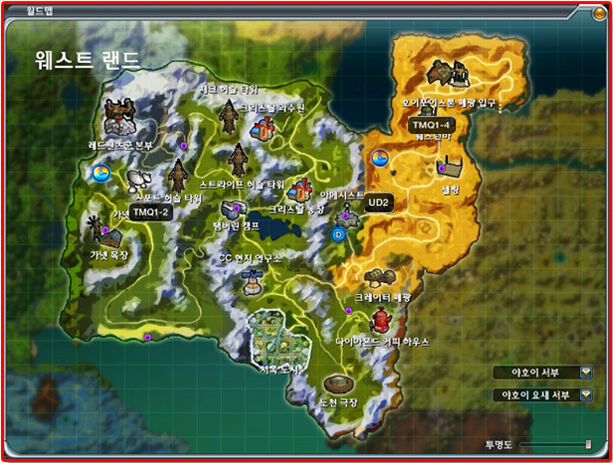
1. You can check the locations of TMQs and Ultimate Dungeons on the world map.
2. Hover the mouse over a marked spot to see the dungeon's information.
▲ What is Party Matching?
A system that makes it easy to form a Party in game. It is divided into recruiting a Party and joining a Party.
▲ Content that supports Party Matching
Ultimate Dungeon, Time Machine Quest, CC Battle Dungeon, Rank Battle
▲ How Party Matching works
1. The Party leader applies for Party Matching through the Party Matching NPC.
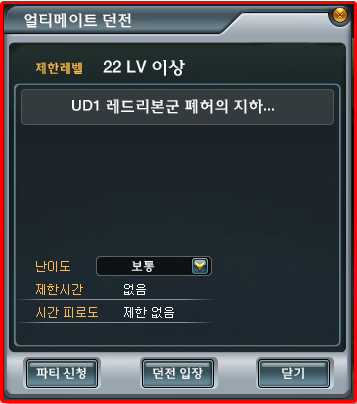
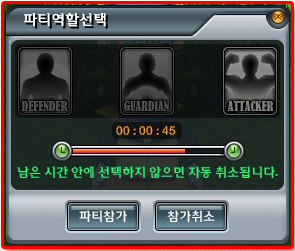
2. Click Party Application, then in the window that appears, choose a role you can take within the time limit and click the "Join Party" button.
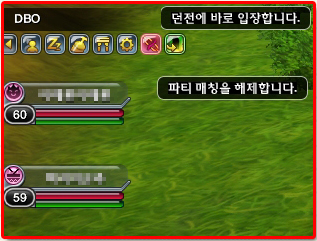
3. When Party Matching is complete, the "Cancel Party Matching" and "Enter Dungeon Now" menus appear.
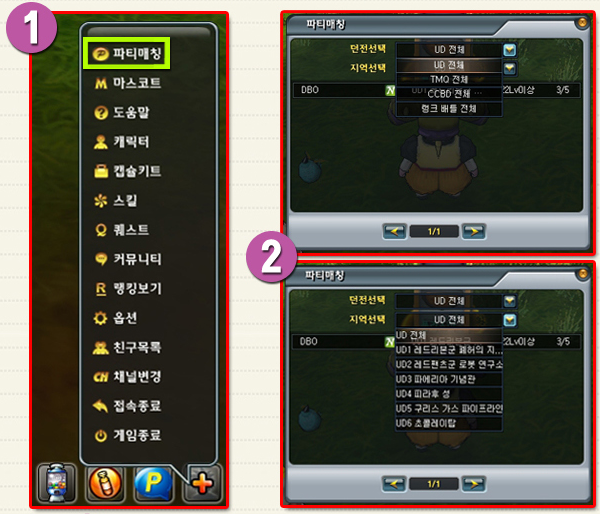
4. You can check Party Matching info via [Main Menu] -> [Party Matching].
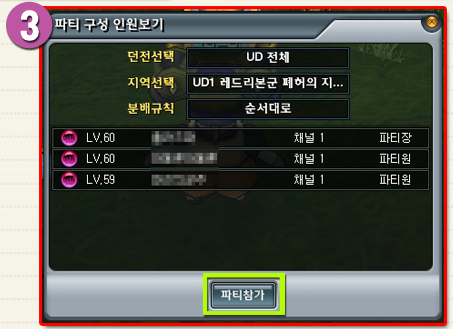
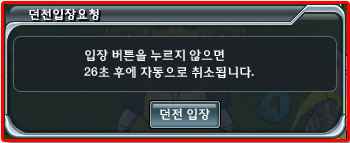
5. Once the Party is full, the Party leader clicks the "Enter Dungeon Now" menu.
● Notes on using Party Matching
1. Each dungeon has a set number of slots per role and a maximum number of participants.
※ Ultimate Dungeons, Time Machine Quests and CC Battle Dungeons can be formed with 3 Attackers, 1 Defender and 1 Protector.
※ Rank Battle has no role restrictions, so it can be formed with 5 Attackers.
2. When you leave a dungeon you entered through Party Matching, you are moved back to the coordinates where you were before entering.
※ Exception: if you fainted at least once in an Ultimate Dungeon and revived at the Popo Stone, you are not moved back to your previous coordinates.
3. When entering a Time Machine Quest through Party Matching, only the Party leader needs to have the materials required for entry.