





Game Systems
Trading > Shops
Every town has several merchant NPCs.
Choose the merchant NPC you want to trade with, talk to them, then click the [Open Shop] button to open the shop and buy or sell items.
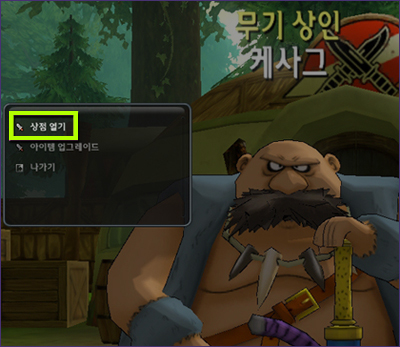
Once the shop is open, you can see the list of goods the NPC sells.
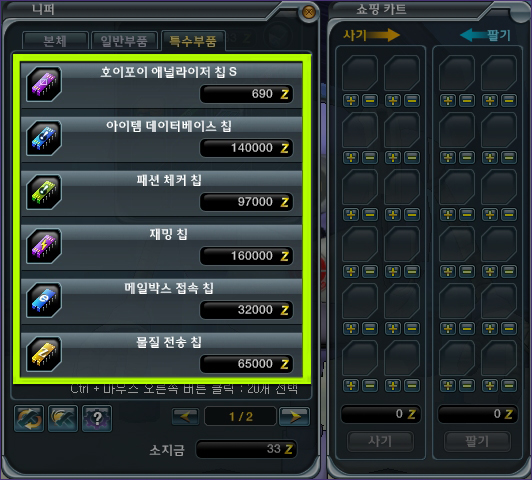
Right-click an item the NPC sells or drag it with the mouse, then click the [Buy] button to purchase it.
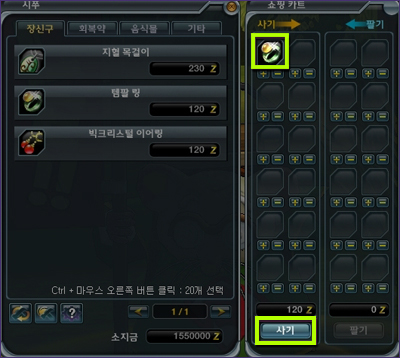
Items you buy successfully go into your Capsule Kit.
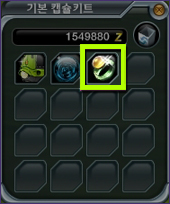
To sell an item you own to a shop, talk to the NPC just as when buying and click [Open Shop]. Then move the item you want to sell by dragging or right-clicking it, and click the [Sell] button to sell it.
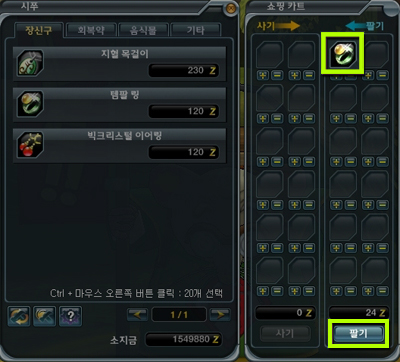
However, items sold to a shop cannot be bought back, so please be careful when selling items.