







Beginner's Guide
Starting Out > Tutorial
The tutorial teaches you the basic controls you need to play Dragon Ball Online.
Starting the Tutorial
When you click the [Start Game] button for the first time after creating a character, a channel selection pop-up appears.
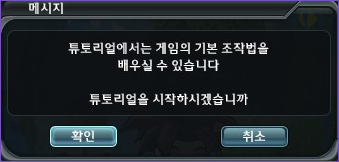
After selecting a channel and clicking [OK], a pop-up asks whether you want to do the tutorial; click [OK] in that pop-up to enter the tutorial.
Tutorial Steps
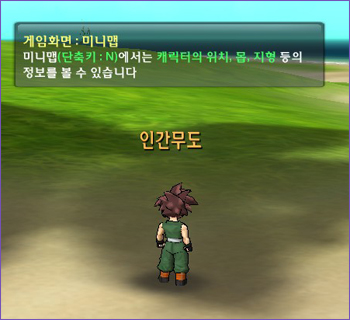
 Check the minimap and information about your character's position, monsters, terrain and more.
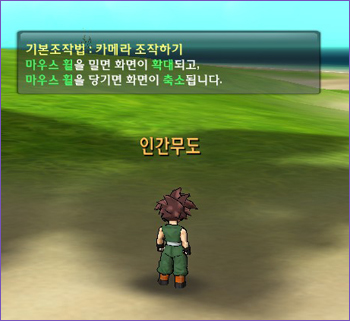
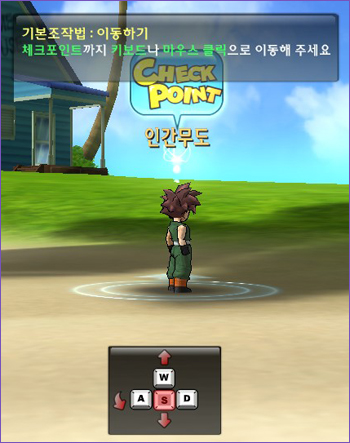
 Learn how to control the camera and how to move your character.
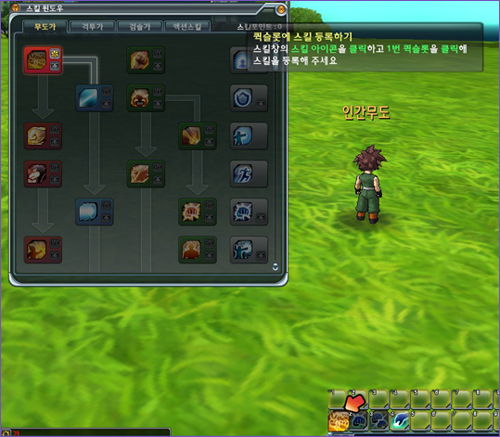
 Learn how to register skills to the Quick slot.
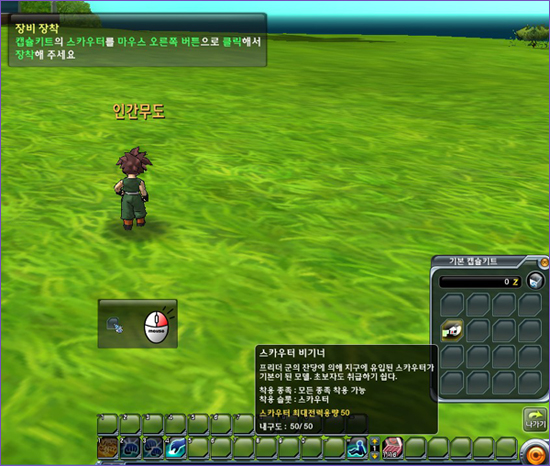
 Learn how to equip items from your Capsule Kit.
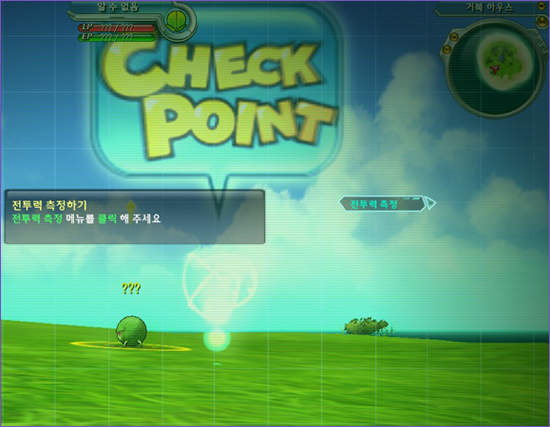
 Learn how to measure a target's power level with the Scouter.
 Learn how to make basic attacks.
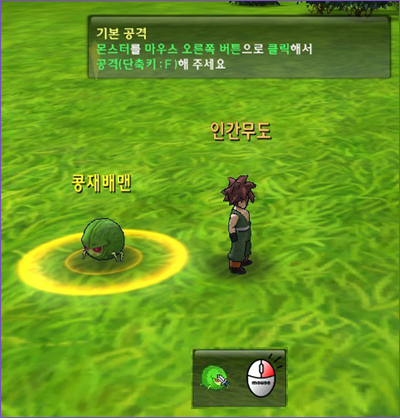
 Learn how to use skills.
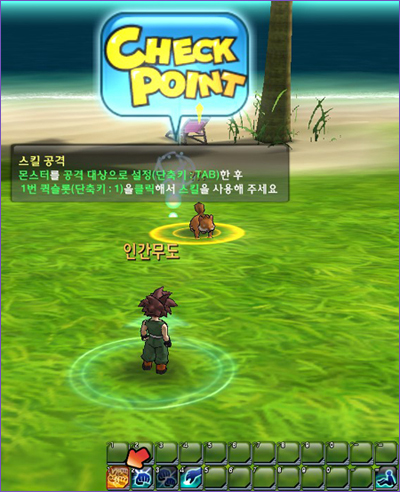
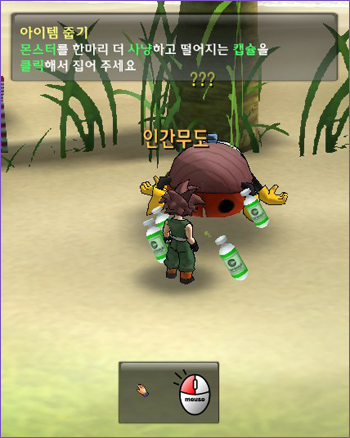
 Learn how to pick up dropped items.
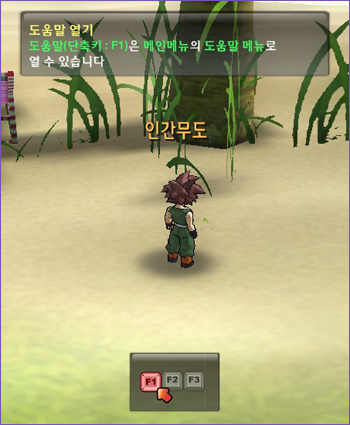
 Learn how to view Help in the game.
After completing every step, you enter the main world.