






Beginner's Guide
Creating a Character > Deleting & Restoring Characters
Deleting a Character
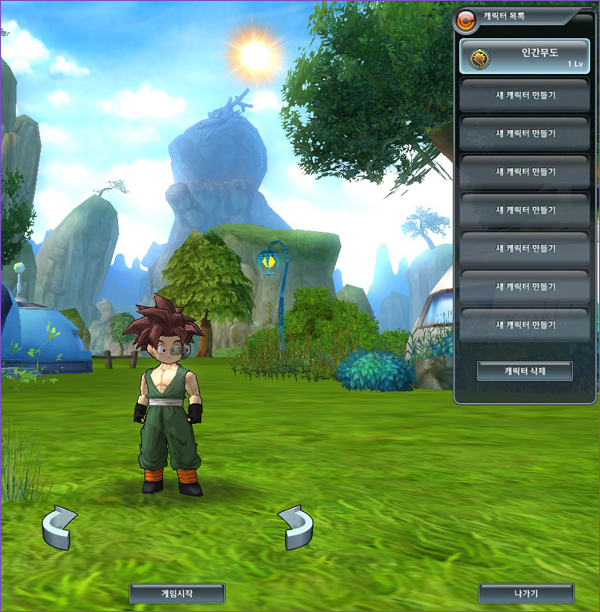
 In the character selection window, select the character you want to delete, then click the [Delete Character] button below the character list.
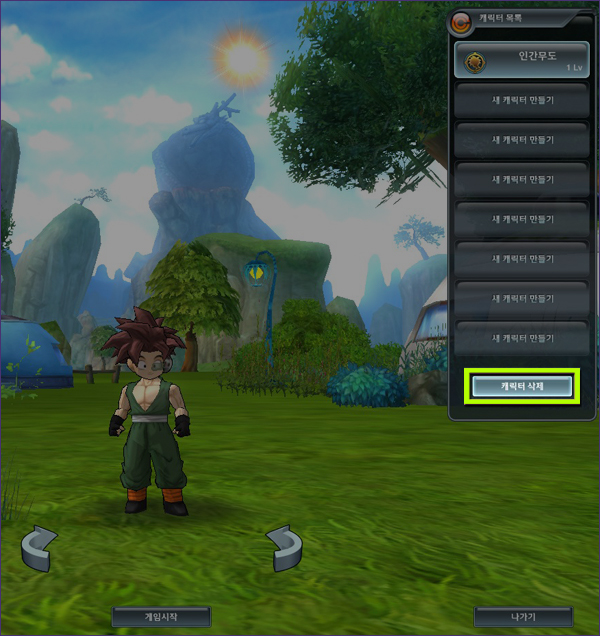
※ i-PIN users can delete characters through Customer Support.
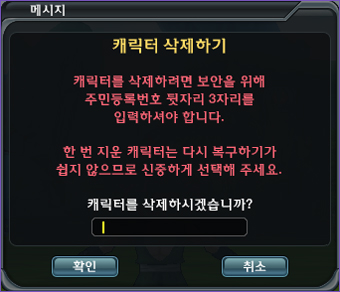
 In the confirmation window, enter the last 3 digits of your resident registration number and click the [OK] button.
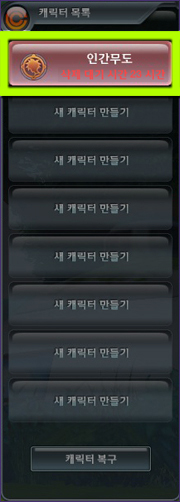
 The character is switched to pending deletion (shown with a red box).
A character pending deletion is permanently deleted once the scheduled deletion time has passed.
Restoring a Character
While a character is pending deletion, you can cancel the deletion and restore it.
Once the waiting period has fully passed and the character has been permanently deleted, it can no longer be restored.
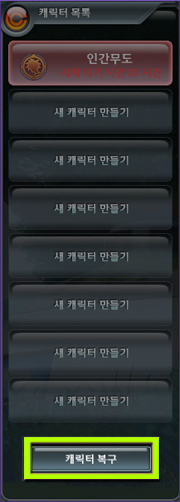
Select the character pending deletion and click the [Restore Character] button below the character list.
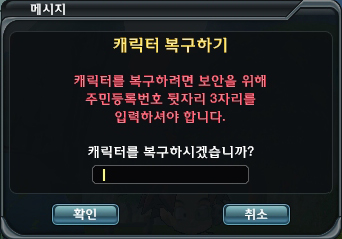
In the confirmation window, enter the last 3 digits of your resident registration number and click the [OK] button.
The character is released from pending deletion and restored exactly as it was before.