






Beginner's Guide
Installing & Starting > Installing the Game
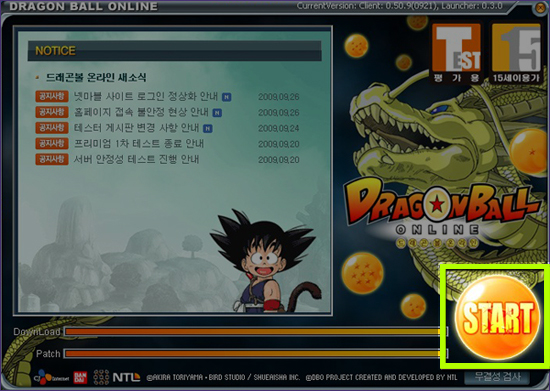
 Download Dragon Ball Online by clicking the [START] button on the homepage or via [Downloads -> Download] in the menu.
 Click the [Start Installation] button to begin downloading the client.
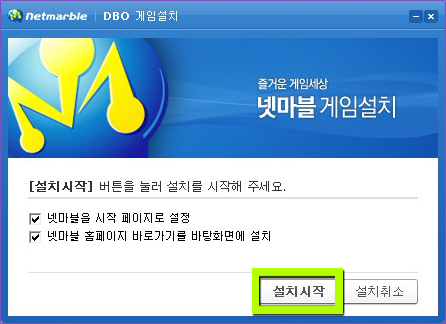
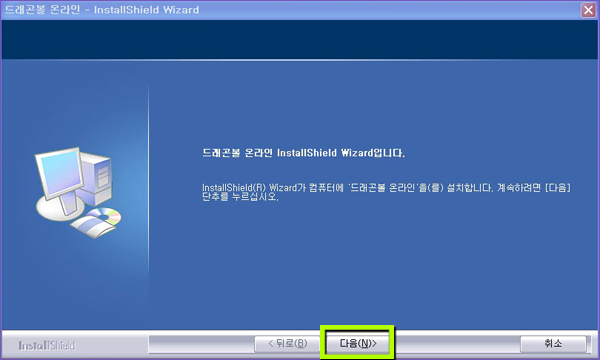
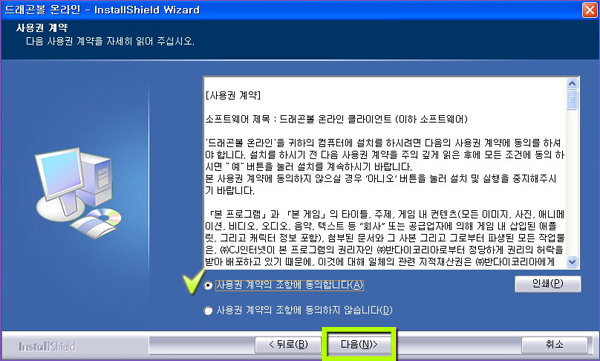
 When the client download is complete, the client installation screen appears.
Click the [Next] button to continue to the next step.
 You can install the client once you agree to the terms of the license agreement.
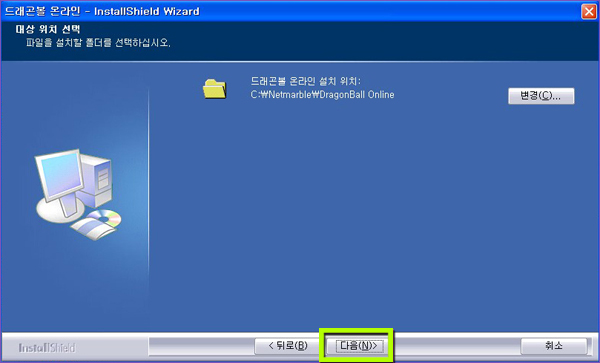
 The default destination folder is “C:\netmarble\Dragonballonline”, and we recommend keeping the default.
However, if you want to change the install folder, you can do so by clicking the [Change] button.
After choosing the destination folder, click the [Next] button to continue to the next step.
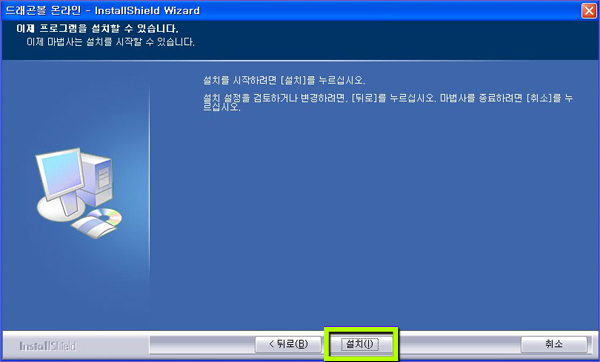
 Once all settings are done, click the [Install] button to install the game.
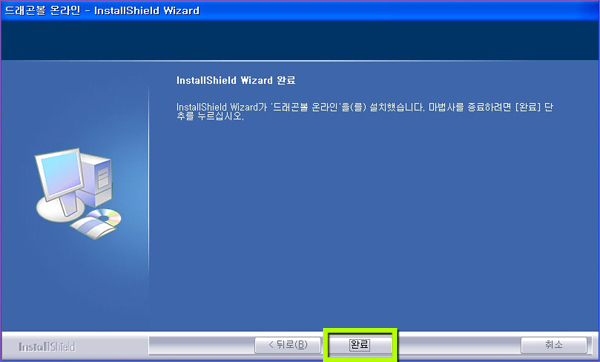
 When the Dragon Ball Online client has finished installing, the launcher starts.
Starting Dragon Ball Online
Click the [START] button on the homepage to run the launcher.
Once all updates are complete, click the [START] button in the launcher to enter the game.